Japan IC card choice

For most visitors, choose Suica or PASMO by availability—not by brand.

Both offer a very similar everyday experience on participating transport and at participating merchants. Choose the physical or mobile option you can actually get, then check validity and refund rules.

Neither card works everywhere, and an IC card is stored value—not a pass that automatically saves money.
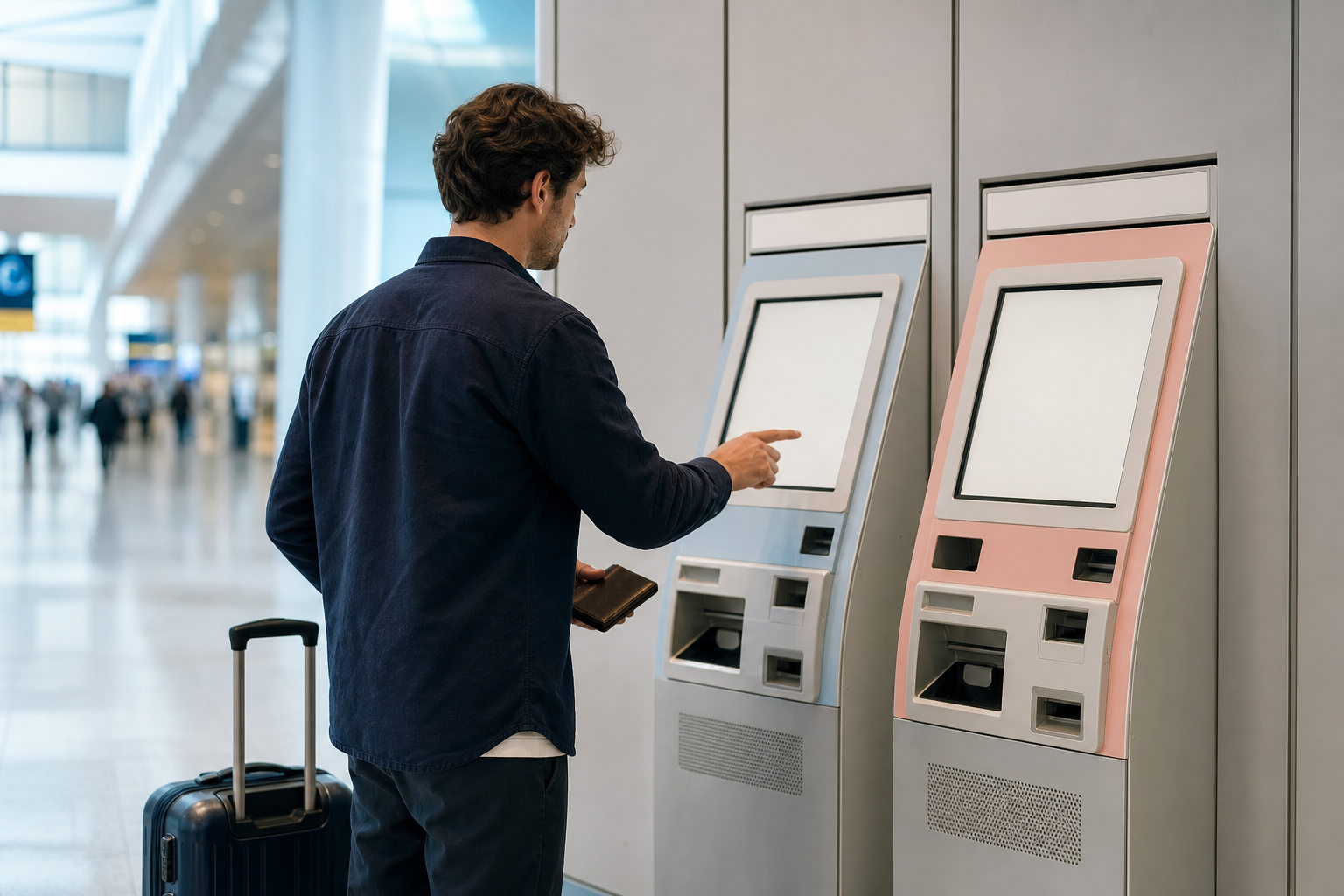
Traveller choosing an available IC card product at airport ticket machines
Start with what you can obtain and use on your planned route.

Physical card

Choose what is available on arrival

Regular Suica and PASMO are practical for repeat use; current purchase and return procedures depend on the issuer and location.

Phone or watch

Check device and payment support

Apple Wallet supports Suica and PASMO on eligible devices. Confirm Apple's current requirements before relying on a mobile card.

Tourist products have their own validity and refund rules. Check the exact product rather than assuming every Suica or PASMO behaves the same.

What changes the choice

Choose by arrival, card format and refund plans

Arrival

Buy the current product offered at a convenient official sales point; airport and station availability can change.

Format

Use a physical card if mobile compatibility or top-up support is uncertain. Use Apple Wallet only after checking your device and payment setup.

After the trip

Choose a standard card if return or future use matters. Tourist cards may expire and may not refund unused stored value.

Current visitor options

Check the exact product before you buy

  • Welcome Suica: JR East lists a 28-day validity period, no deposit, selected current sales locations, and no refund of remaining stored value.
  • TOURIST PASMO: the current visitor product launched in 2026. PASMO lists 28-day validity, no deposit, airport-area sales, and no refund of unused value.
  • PASMO PASSPORT: this was the previous visitor product and should not be treated as the current option.
  • Standard cards: purchase, deposit, return, and refund procedures belong to the issuing operator; verify them before planning around a refund.

Arriving soon? Confirm which physical card is currently sold where you land, or verify your Apple Wallet setup before travel.

Check use outside Tokyo, mobile setup and visitor-card expiry

Usually, neither brand is meaningfully better for an ordinary short trip. Choose the current physical or mobile product that fits your arrival point, device, validity, and refund needs.
They can be used in many participating interoperable IC-card areas, but not on every railway, bus, or merchant in Japan. Check the operator or acceptance mark for the trip you plan to take.
Use Apple Wallet if your iPhone or Apple Watch meets Apple's current requirements and your payment setup works. Otherwise, choose a physical card that is available where you arrive.
PASMO PASSPORT was the previous visitor product. The current visitor product is TOURIST PASMO, which PASMO says is valid for 28 days and does not refund unused value; check current purchase locations before arrival.